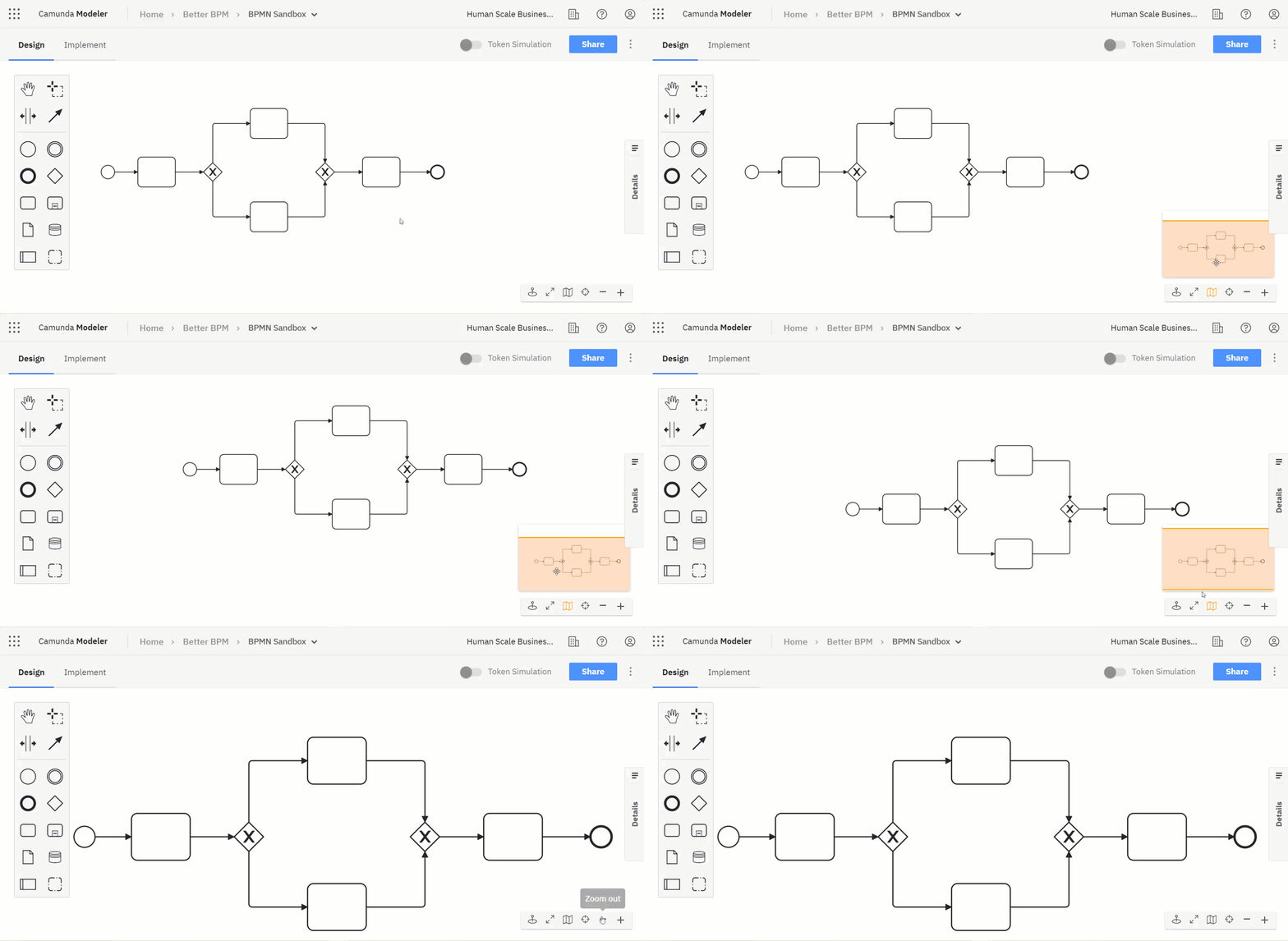
Navigating Your Model
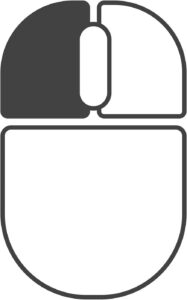
The easiest way to navigate your canvas in Camunda Modeler is to click and drag with the left mouse button.
Alternatively, you can use the following combinations to pan and zoom.
- Use Shift + Scroll to pan left and right.
- Use Alt + Scroll to pan up and down.
- Use Ctrl + Scroll to zoom in and out.
Access additional navigation aids from the floating navigation bar in the lower right of the canvas.