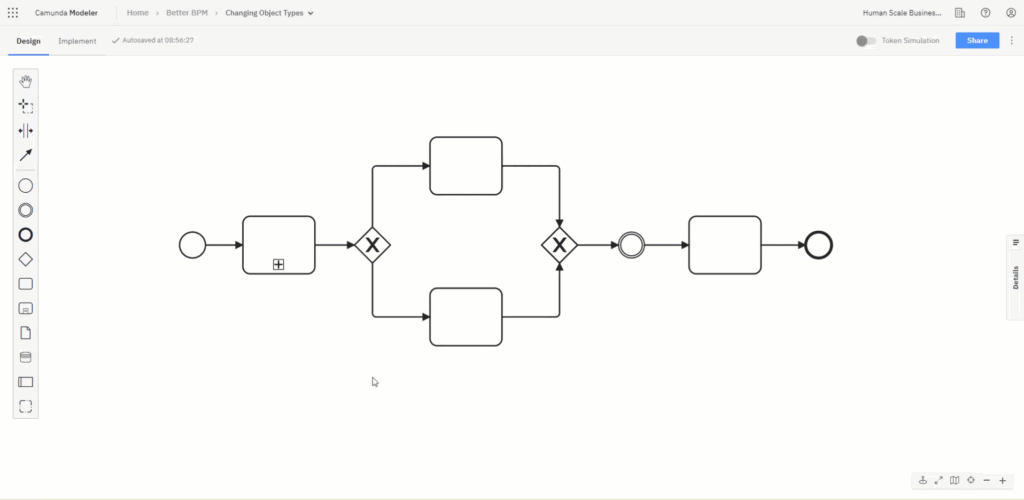
Changing Object Types
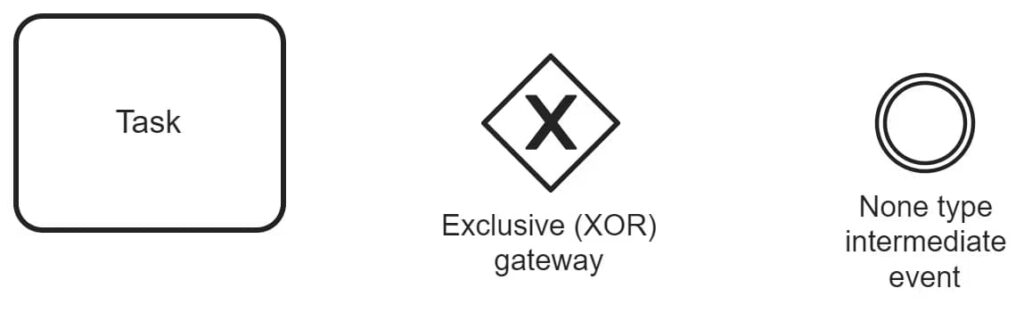
When you add activities, gateways, and intermediate events to your Camunda model, they will default to the most common types: tasks, exclusive (XOR) gateways, and none-type intermediate events.
To change a task to a collapsed sub-process, for example, click on the task, select the wrench icon, and choose Sub Process (Collapsed).
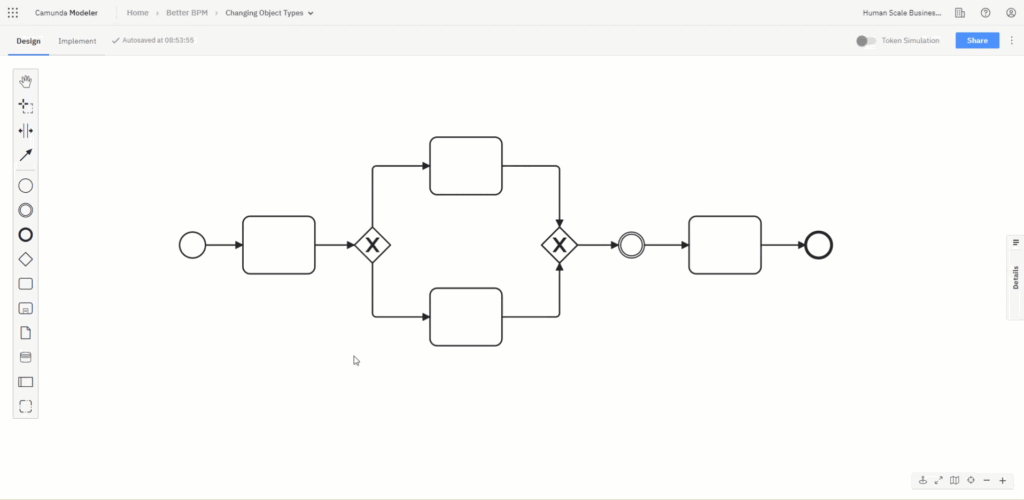
The change type menu is context-specific. For instance, if you select a gateway and click the wrench icon, the element options will be restricted to those available for other gateway types.
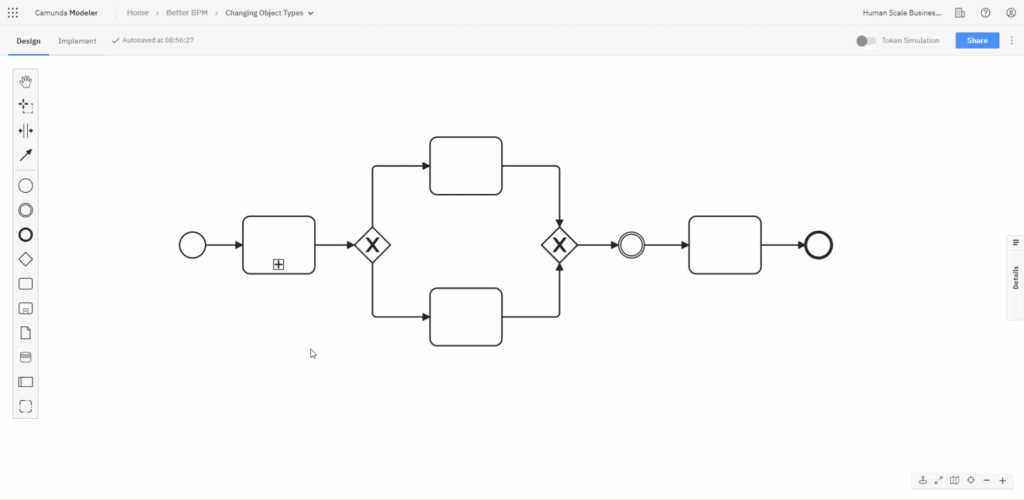
The same is true for events.